What is a Scam?
A scam is a trick a con artist plays on an unsuspecting victim to extort money. If the scam succeeds, the victim's money is gone, and the scammer will move on to the next victim. A scammer often presents you with a tempting offer or a plausible story.
They are great at pinpointing their victim's vulnerbilities, appealing to their emotions. They can oftentimes gain trust quickly, insist on secrecy, and won't take 'no' for an answer.
Common Red Flags of a Scam
- The scammer wants you to take
Immediate action so you have little time to think.
- The scammer will
insist on secrecy.
- The scammer will
need the money up front
- The scammer will want you to to use
hard-to-track payment methods such as gift cards, wire transfers, and some mobile peer-to-peer payment apps.
Read up on These Common Types of Scams
Banks Will Never Ask You That!
| Common Signs of a Scam |
|
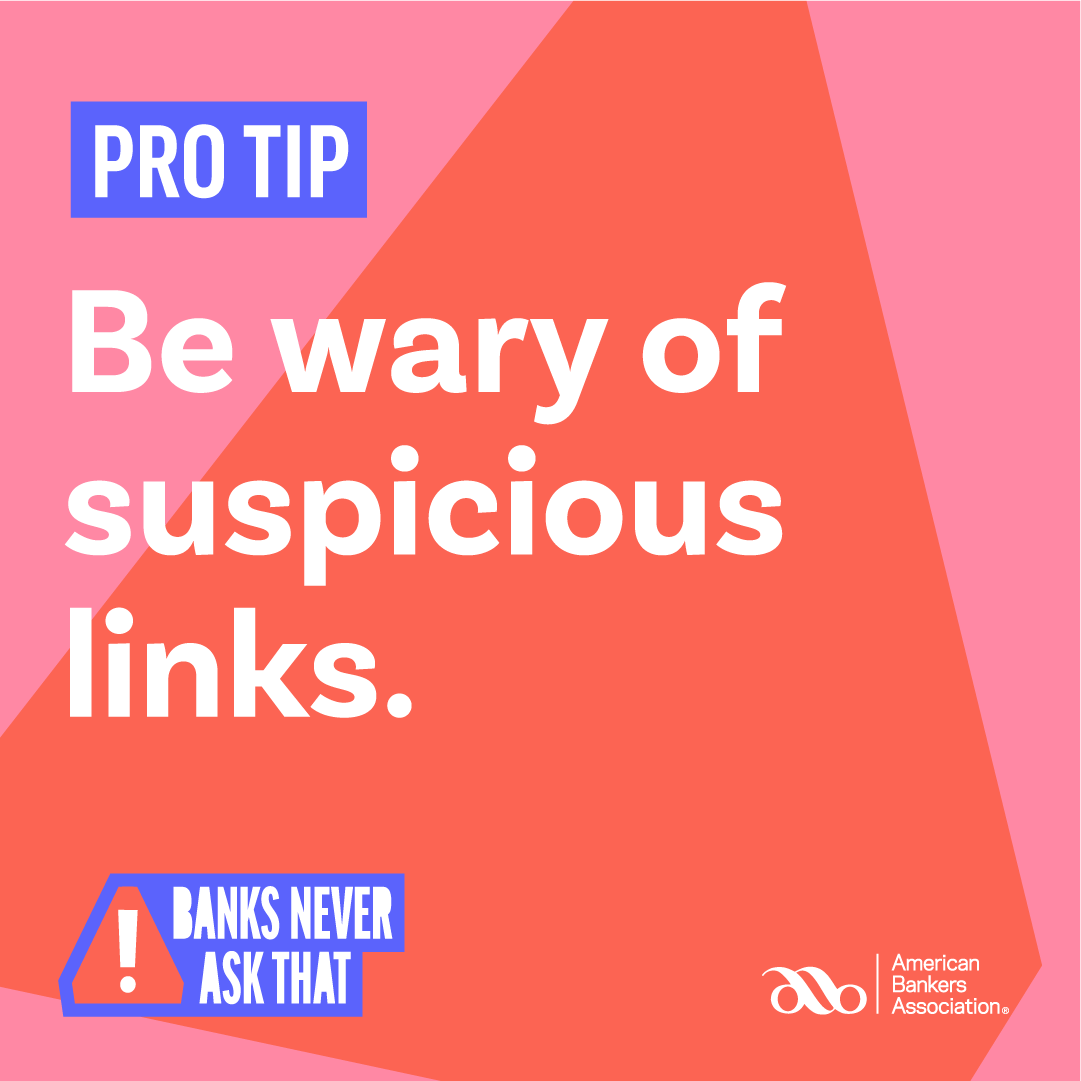
Banks will never send you an email or text asking you to click a suspicious link. |
|
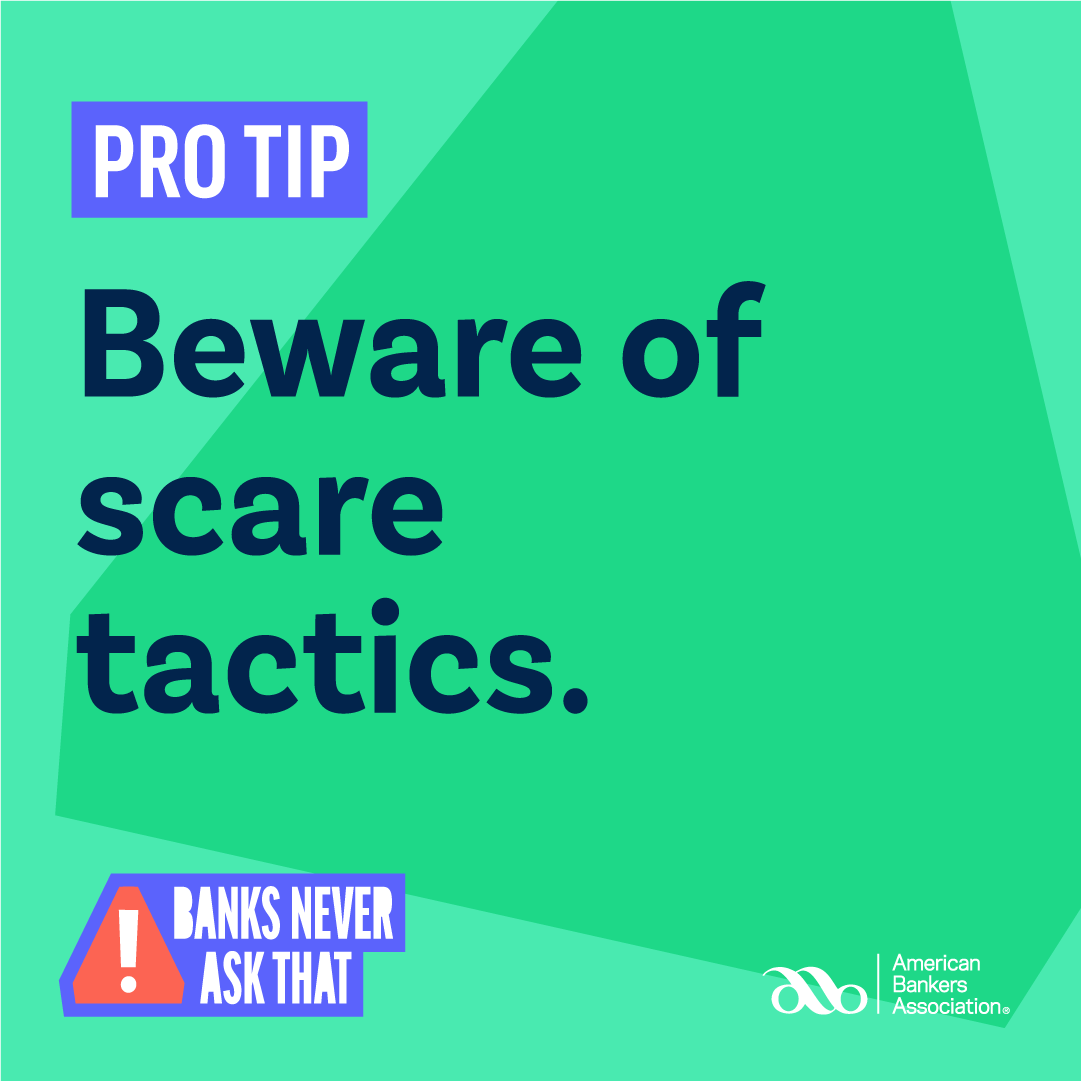
Scam emails, texts, and calls may pressure you, or even threaten you, to respond. Just ignore it, and call your bank directly. |
|
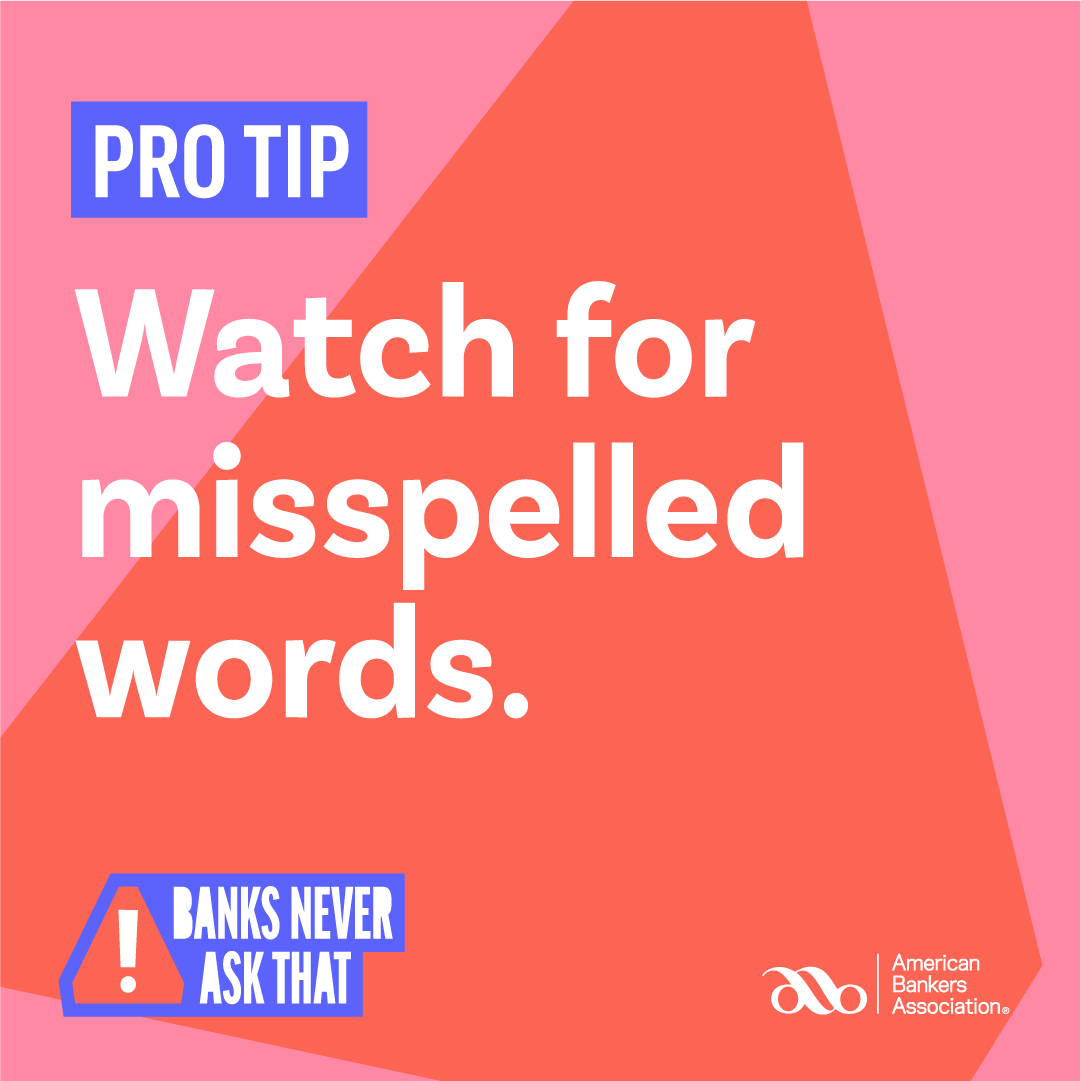
Fraudulent texts and emails often have typos. Real banks use spell check. |
|
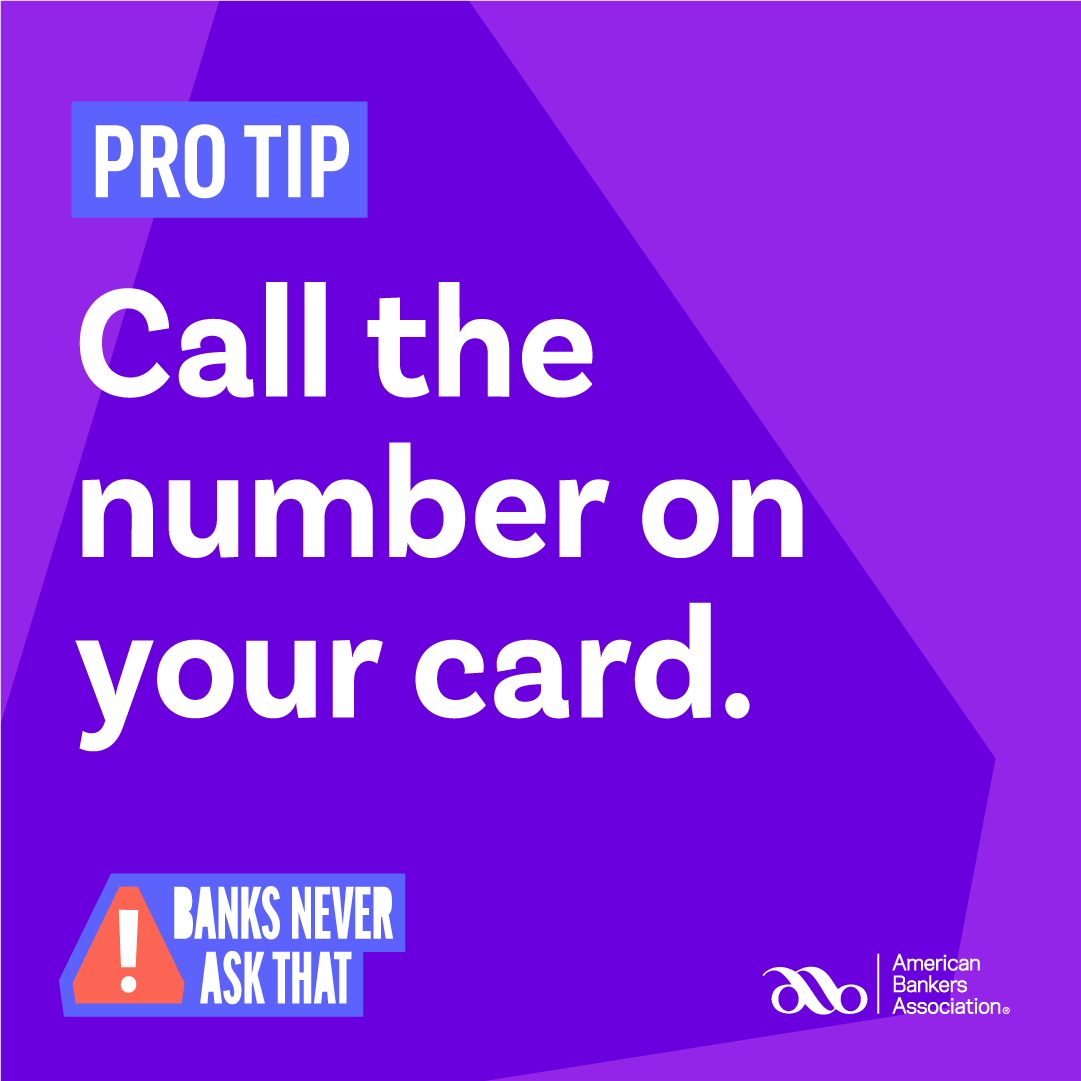
Some fraudsters may try to reach out to you by phone. They can fake the Caller ID to make it look like the call is coming from your bank, and may even know your name. So how can you tell if a caller is the real deal? It's simple. Your bank will
never call you and ask you for your account information. If you didn't initiate the call, just hang up and call the number on the back of your card. |
|
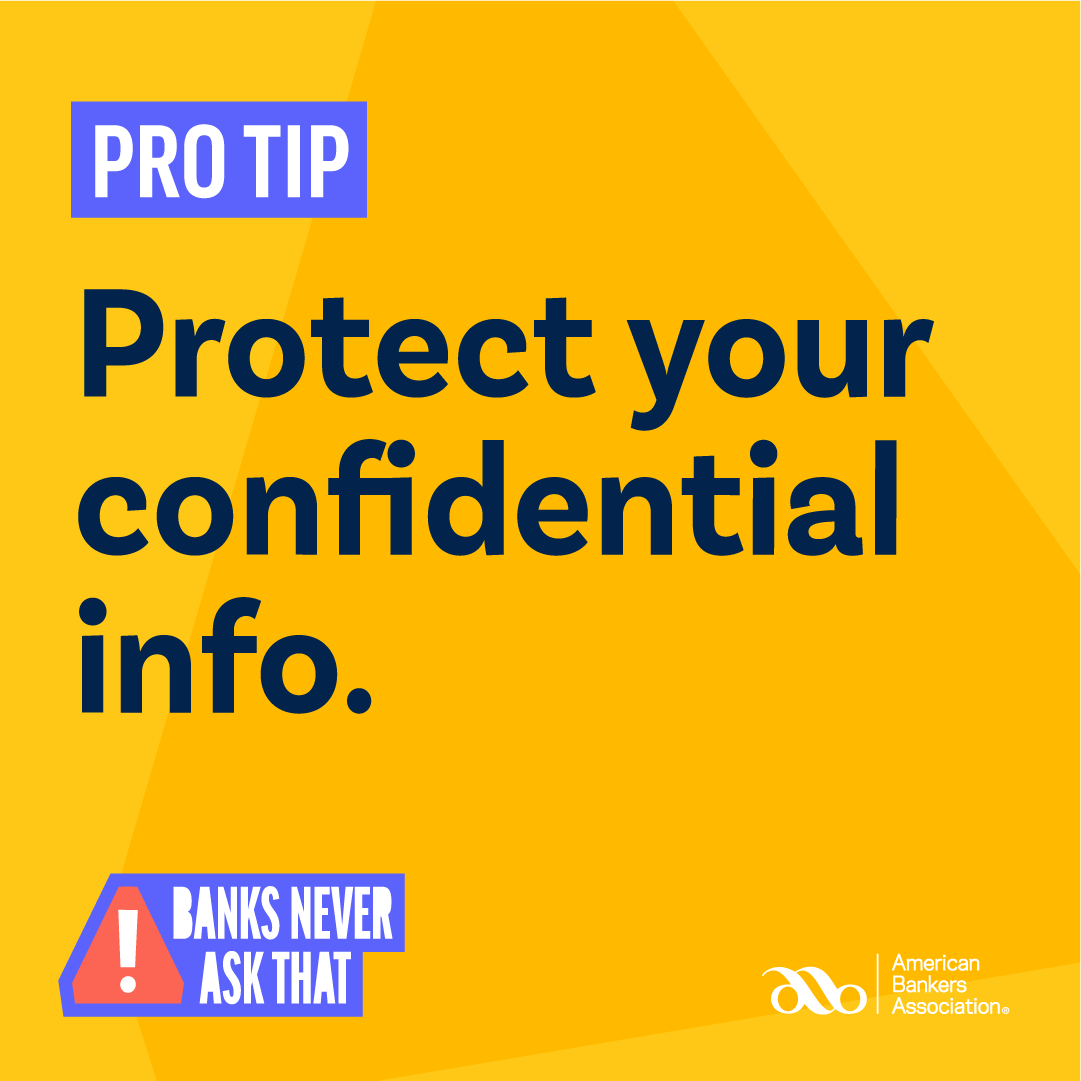
Your bank will never ask you to provide confidential information (your account number, SSN, name, address, password, etc.) in emails or text messages. Your bank will only ask for confidential information to verify your identity when you call them
on their Customer Service line. |
To take a quiz and test your scam spotting skills, visit Banks Never Ask That.com from the American Bankers Association.
Tips to Stay Safe Online
In addition to being aware of common types of fraud, you can also follow the following guidelines to keep yourself safe online:
-
Keep your computers and mobile devices up to date! Having the latest security software, web browser, and operating system are the best defense against viruses, malware, and other online threats. Turn on automatic updates so you receive the
newest fixes as they become available.
-
Establish strong passwords. A good password is at least eight characters long and should include a mix of upper and lowercase letters, numbers, and special characters.
-
Keep personal information personal! Hackers can use social media profiles to figure out your passwords and answer those security questions in the password reset tools. Lock down your privacy settings and avoid posting things like birthdays,
addresses, mother's maiden name, and so on.
-
Secure your internet connection. Always protect your home wireless network with a password. Consider using a Virtual Private Network (VPN) app to secure and encrypt your communications when connecting to a public Wi-Fi network.
-
Shop safely Before shopping online, make sure the website uses secure technology. When you are at the checkout screen, verify that the web address begins with https and a tiny padlock symbol.